Path of Exile Hideout Preview
Explore a PoE 1 or PoE 2 hideout as an interactive map. Check its decorations before you download, or make a few changes and export your own .hideout file.
Try the preview
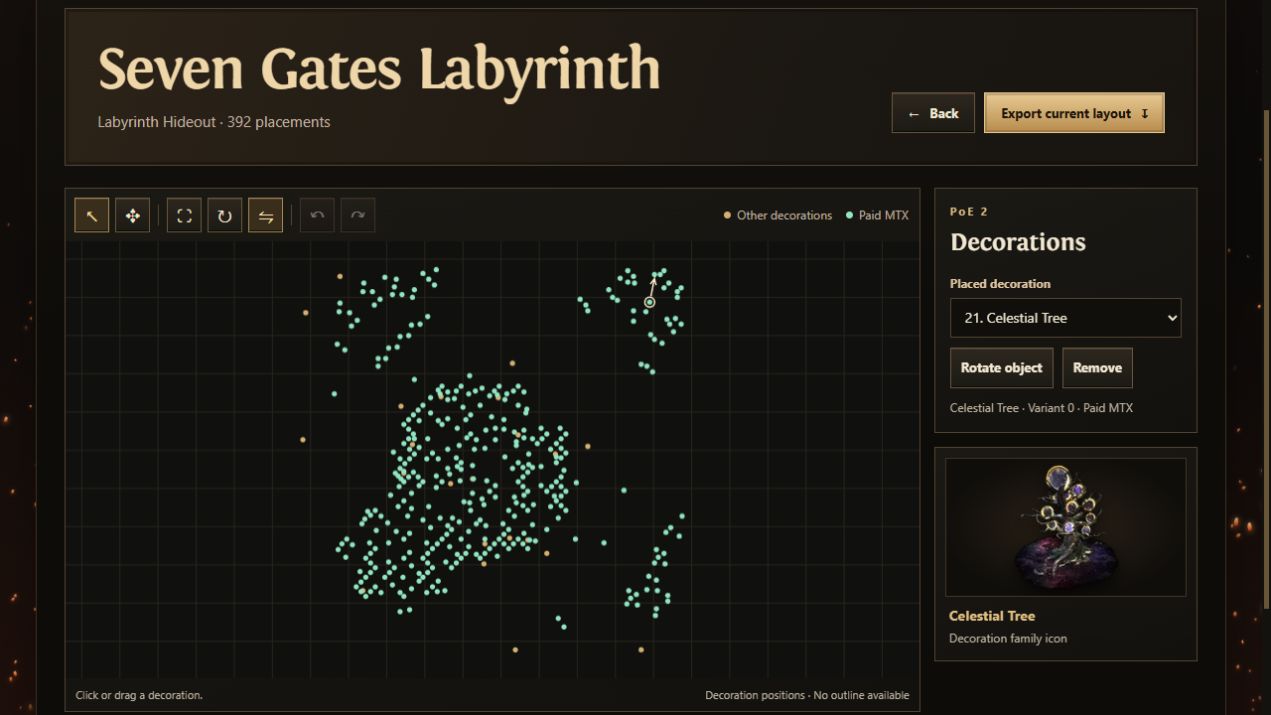
Open an example and select a decoration on the map or from the list. The preview works without signing in.
Read the decoration requirements
Mint markers identify paid decorations. Select a marker to see its name, variant and unlock status. Gold markers also include items with unverified requirements, so check the status before assuming a decoration is free.
Make a copy for the game
Move, rotate or remove decorations. Choose Export current layout to save your edited .hideout file. Import that file into the same base in the matching game.